
CSCA
CSCA test center locations: In-Person & Remote Hubs
Check official CSCA test center locations, in-person testing hubs, and remote online exam

Scholarship application and exam preparation support.
Practice tests, strategies, and feedback to help you achieve your target score.
Targeted training and past paper practice to boost your exam performance.
Mock interviews and coaching to help you succeed in admissions and visa interviews.


Taking your standardized entrance assessment from your own room in Morocco sounds straightforward, but navigating online CSCA home proctoring requires strict technical precision. The China Scholastic Competence Assessment (CSCA) serves as a decisive benchmark for international applicants seeking admission to top-tier academic degree programs and competitive funding packages. Preparing early helps you align your academic profile with the broader Chinese government scholarship 2027 requirements before official deadlines arrive.
Administering this remote test involves automated oversight paired with real-time invigilation to guarantee complete academic integrity across borders. Missing a single requirement during your check-in can lead to an invalidated session before you answer your first question. Understanding official CSCA online exam requirements ensures that your testing space, connectivity, and authentication workflows satisfy institutional standards on examination day.
Our team at Great Wall Education developed this comprehensive operational breakdown to guide you through the fundamental technical regulations, device configurations, and behavioral compliance rules. Mastering these standards ahead of time protects your test results and keeps your university application moving forward smoothly.
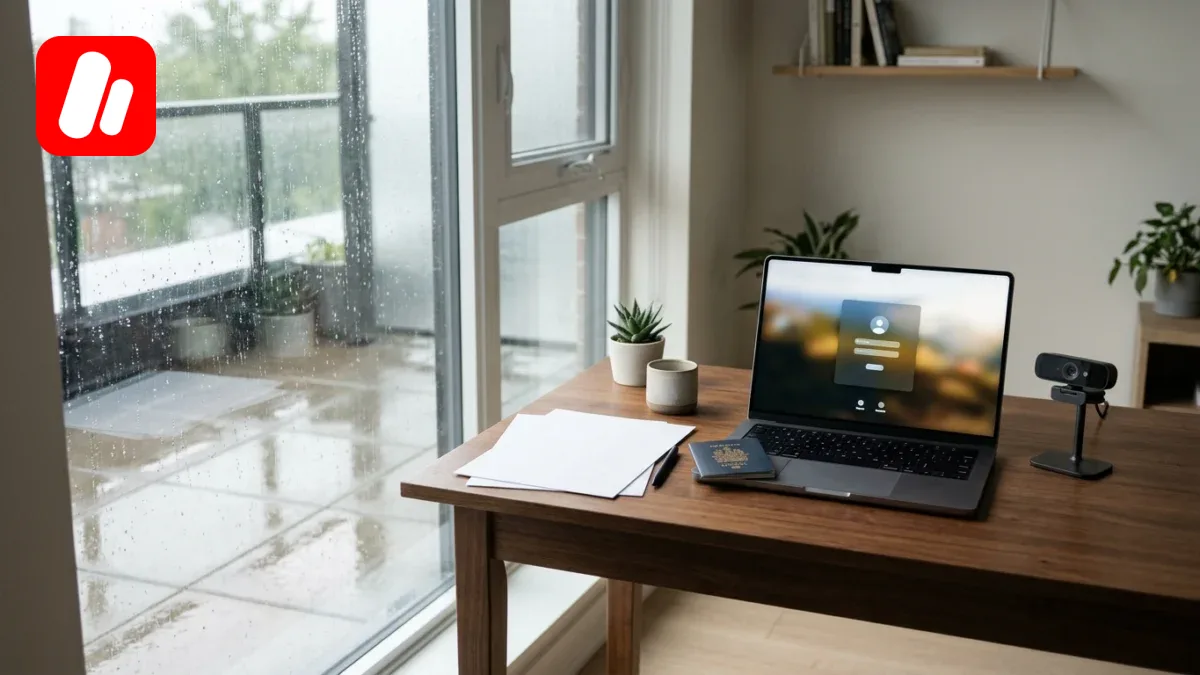
Meeting the technical baseline is the first mandatory step before sitting the test. The examination platform enforces strict system checks to verify that your testing hardware, audiovisual inputs, and network connection satisfy official standards.
The table below outlines baseline benchmarks for online CSCA home proctoring. Note that specific patch versions and verification schedules remain indicative and require final confirmation on the official CSCA platform.
| Category | Baseline Specification | Key Requirement |
|---|---|---|
| Primary Device | Laptop or desktop PC | 64-bit OS, functional webcam, microphone |
| Secondary Device | Smartphone or tablet | Continuous video stream, external power source |
| Network | Broadband or fiber connection | Stable bandwidth, low latency |
| Environment | Enclosed private room | Isolated workspace, no unauthorized electronics |
Official CSCA online exam requirements mandate specific operating environments to prevent software conflicts during assessment:
Primary workstation parameters:
Stable data transfer ensures continuous invigilation data flow throughout the evaluation cycle without disconnections.
Mandatory CSCA technical rules for connectivity:
Meeting the core hardware specifications is only the first step. To ensure institutional integrity, the official CSCA examination guidelines require a simultaneous two-camera monitoring protocol throughout your session.

Your primary device webcam serves as the frontal visual feed. Position your laptop or external monitor straight ahead so the lens aligns horizontally with eye level. The camera must capture a clear, unobstructed view of your face, eyes, and hands on the workspace without virtual filters or background blurring.
The secondary device functions as your lateral surveillance feed, providing full contextual oversight for online CSCA home proctoring:
Secondary camera alignment rules:
Stabilize your phone with a stationary tripod or mount before testing starts. The Embassy of the People’s Republic of China in the Kingdom of Morocco directs students to complete these administrative and academic verifications early to prevent delays during university qualification reviews.
Once your monitoring angles are aligned, you must prepare the primary computer running your testing session. Candidates taking the online CSCA home proctoring assessment must obtain the proprietary secure browser exclusively through the official testing portal link provided in their registration confirmation email.
The client locks your workstation into a controlled testing environment, blocking system shortcuts and unauthorized applications. Compatible platforms include genuine 64-bit Windows 10/11 or macOS Catalina 10.15 and newer, reflecting standard baseline criteria across major China University Admission Entrance Exams.
Granting proper access rights ensures the client functions without triggering diagnostic halts:
Launch failures often stem from security blocks or forbidden background tasks. If your operating system prevents the installation package from executing, run the installer as an administrator on Windows, or bypass Gatekeeper on macOS via your system security panel.
Official instructions from institutional bodies, including the Peking University International Students Division, require closing all external utilities before launching the software. Terminate the following processes via Task Manager or Activity Monitor:
💡 Tip from the Great Wall Education team: Restart your computer immediately before launching the secure client so unnecessary background startup services close automatically, preventing sudden security flags during startup.
Setting up your physical testing environment correctly is just as essential as configuring your software. According to standard Tsinghua University International Admissions Guidelines, candidates must take remote assessments in an isolated, private room with closed doors. No third parties may enter or speak during the session.
Lighting conditions must keep your face clearly visible to the proctors without glare. Position overhead or desk lighting directly in front of you, and avoid sitting with your back against an open window to eliminate severe backlighting shadows.
Your desk surface must remain entirely clear of unauthorized materials throughout the entire session.
Permitted items on the desk:
During check-in, you will hold both sides of each blank scratch sheet up to the primary camera. Once the session concludes, CSCA examination guidelines require you to tear these sheets on camera before exiting the client.
Once your physical testing area is cleared, you must validate your entire workstation through the official mock session. Completing this simulation is an obligatory prerequisite under CSCA examination guidelines. If you skip this mandatory trial, the examination board automatically revokes your official admission ticket.
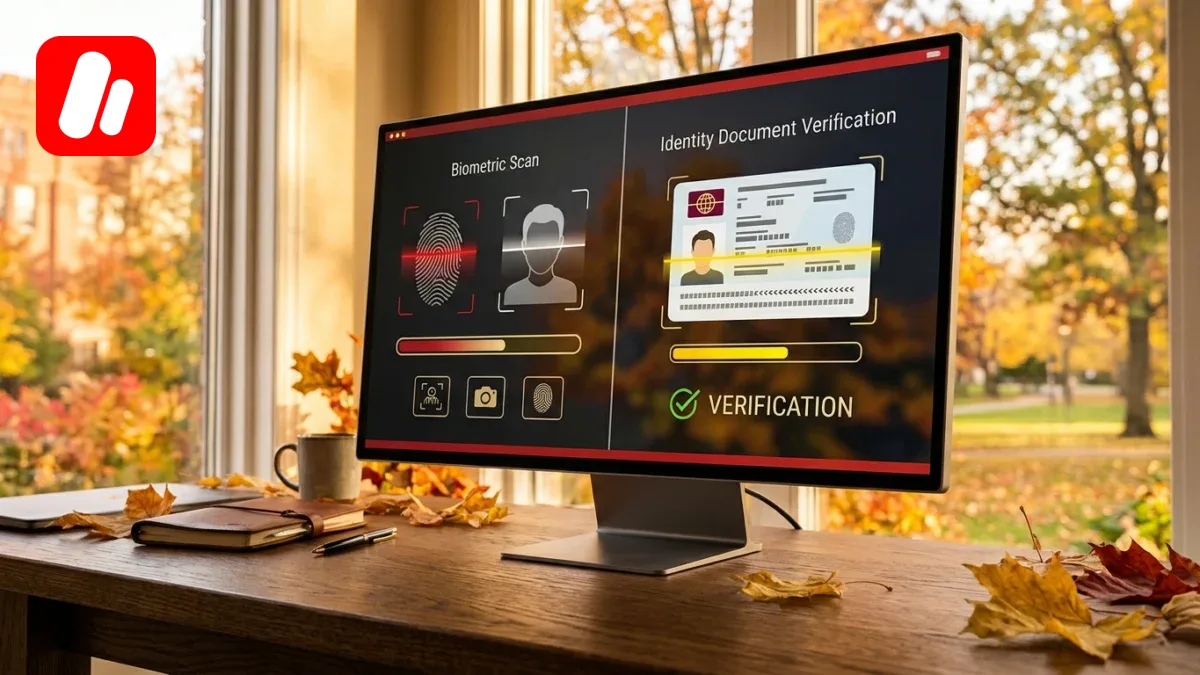
The mock trial operates under genuine exam conditions to confirm your hardware stability before test day. You must complete this verification early, as the mandatory technical mock test window closes 48 hours before official test administration.
Verification and diagnostic sequence:
Completing this dry run reveals configuration faults early, so review our guide to CSCA Exam Technical Issues if your test client flags audio or latency errors during diagnostics. Rectifying errors during the rehearsal guarantees your home proctoring setup CSCA complies with institutional security standards before your formal sitting.
Once you complete the mandatory simulation, you must maintain strict compliance with official security parameters during the live session, as automated supervision runs continuously alongside human invigilation.
Adhering to CSCA examination guidelines requires avoiding several critical irregularities that trigger automatic session interruptions or score invalidation:
Successfully navigating online CSCA home proctoring requires technical discipline alongside academic preparation. Verifying your hardware configuration early, positioning your monitoring cameras precisely, and maintaining an isolated workspace prevent unnecessary interruptions on exam day. Strict adherence to official testing protocols ensures that your performance reflects your genuine academic abilities without administrative complications.
Our team at Great Wall Education remains dedicated to helping Moroccan applicants understand every operational phase of Chinese university admissions. If you need assistance reviewing your technical preparations or confirming your upcoming testing timetable, we invite you to consult with our educational advisors to ensure your test session proceeds smoothly.
You need a stable internet connection with a minimum upload and download bandwidth of 10 Mbps. Test administrators require this baseline to stream dual-camera feeds, support AI invigilation algorithms, and prevent disconnections during the session. We advise using a direct wired Ethernet cable rather than Wi-Fi to maintain constant stability.
Place your primary webcam directly at eye level on your computer screen to record your face continuously. Position your secondary monitoring camera 1.5 to 2.0 meters behind you at an angle between 40 and 50 degrees. This second angle must clearly capture your back, your hands, your workspace, and your primary monitor throughout testing.
Yes, standard modern systems work, provided your primary computer runs genuine 64-bit Windows 10 or 11, or macOS Catalina 10.15 or newer. The CSCA examination guidelines prohibit Linux, ChromeOS, tablets, and virtual machines. Your device must run natively on genuine hardware with administrative privileges to install the official secure proctoring client.
The mandatory technical mock test window closes exactly 48 hours before the official examination date. Completing this simulation verifies your dual-camera angles, checks bandwidth stability, and resolves secure browser permissions. Candidates who miss this deadline are barred from the official administration without exception.
Yes, candidates may use exactly two blank sheets of physical A4 paper and a standard pen. You must present both sides of each sheet during the mandatory 360-degree environmental camera inspection prior to testing. Keeping extra sheets, books, notes, or digital tablets on your desk triggers an automatic protocol violation.
Check official CSCA test center locations, in-person testing hubs, and remote online exam
Discover the cheapest student cities in China for 2027. Compare low cost Chinese

Finding halal food in China is straightforward for Muslim students. Discover campus halal